Can I download WeePlanner yet?
Not yet. WeePlanner is coming soon to the US App Store, for iPhone and iPad with iOS 26 or later.
Is WeePlanner free?
Yes, to start. Your first 50 plans are free, however you add them: by hand, by voice, from messages or with Read with AI, which on the free start is fair use (up to 50 readings). No card and no account. After that, WeePlanner Basic keeps you planning, and Plus adds 100 AI readings a month. We’ll post prices here on launch day. See Pricing.
What happens after my 50 free plans?
Nothing is deleted. You can still see your calendar and saved flyers, delete plans, and export them as a calendar file (.ics). To add or change plans, choose WeePlanner Basic or Plus. The same applies if a subscription ends.
Does my partner need their own subscription?
To add plans after the free start, yes. A subscription is for one Apple Account; Family Sharing isn’t offered for WeePlanner subscriptions. In a shared family, the 50 free plans count once for the whole family.
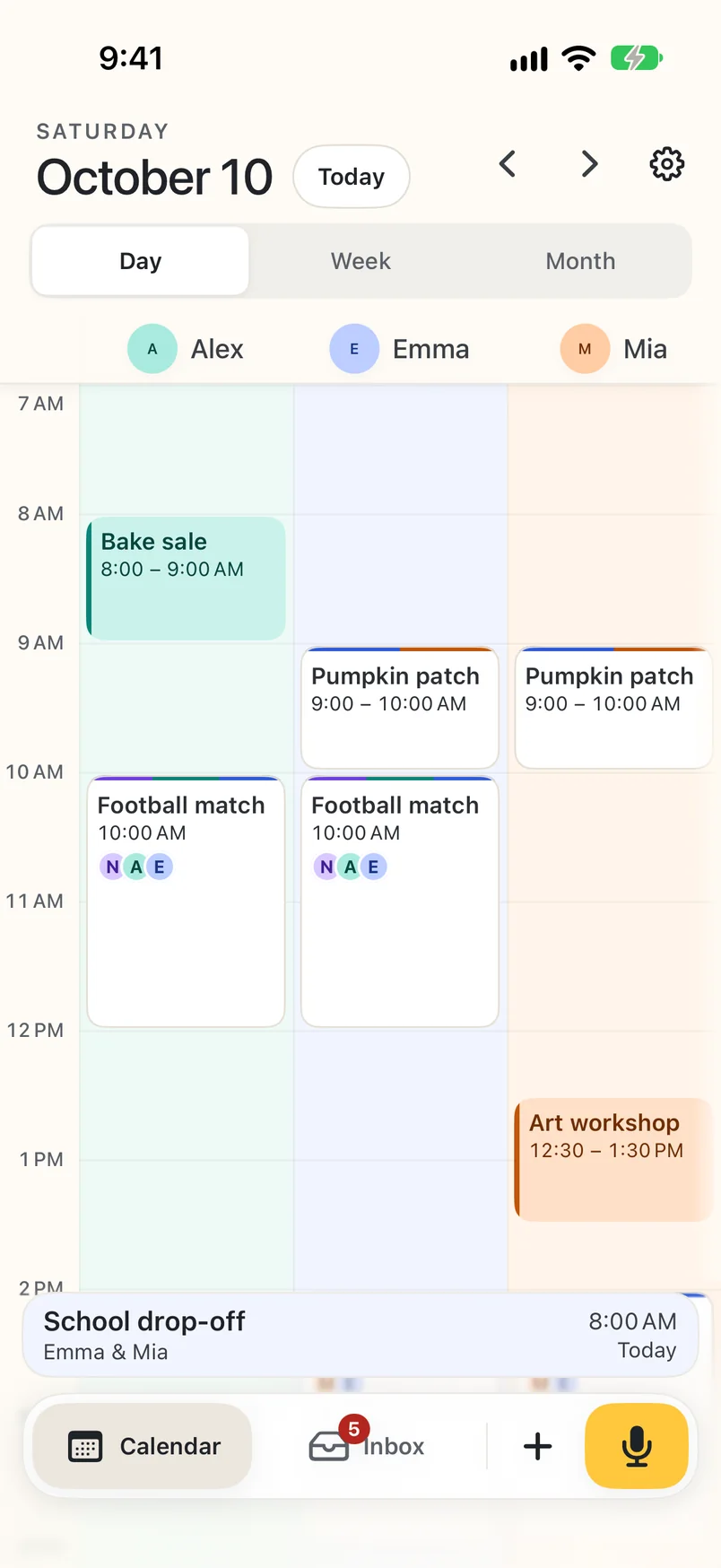
Can my partner see the same calendar?
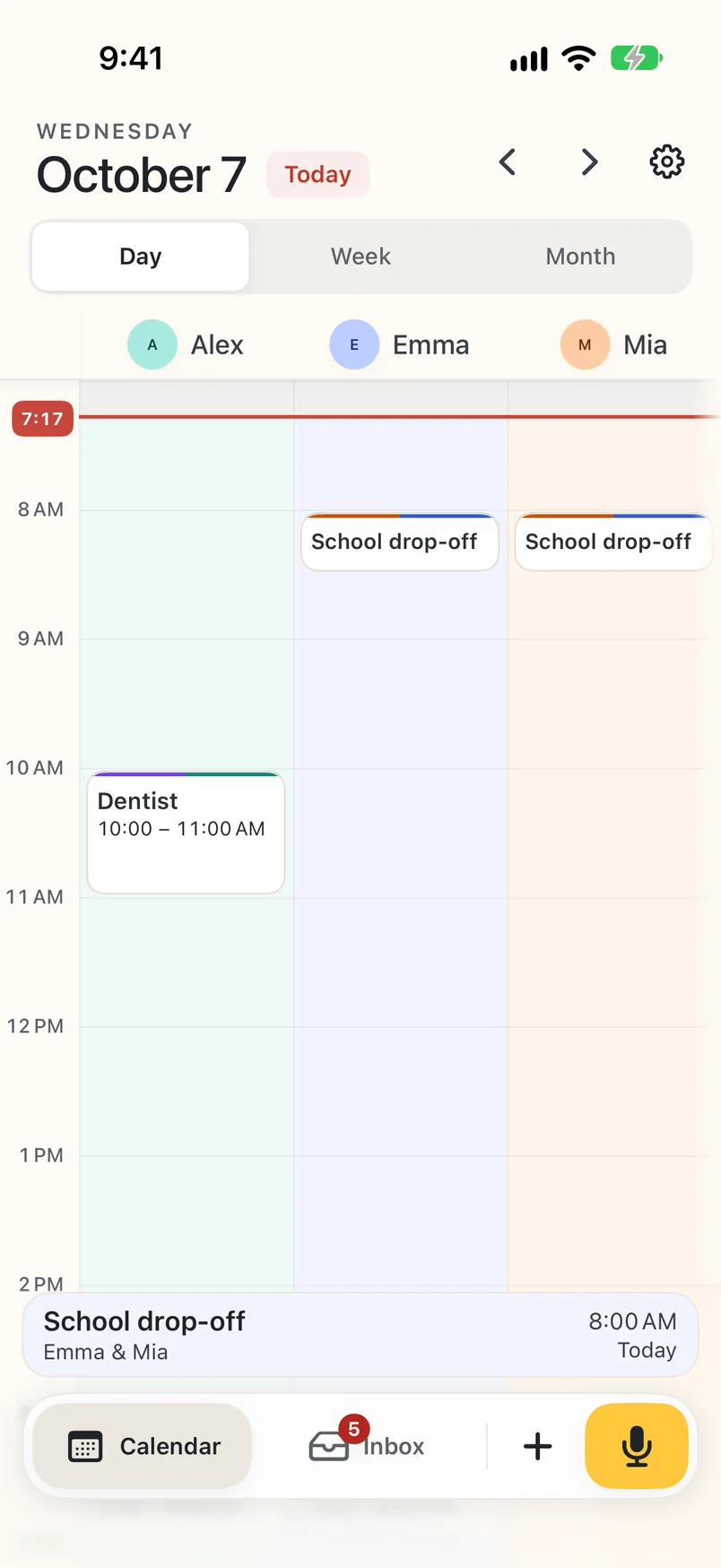
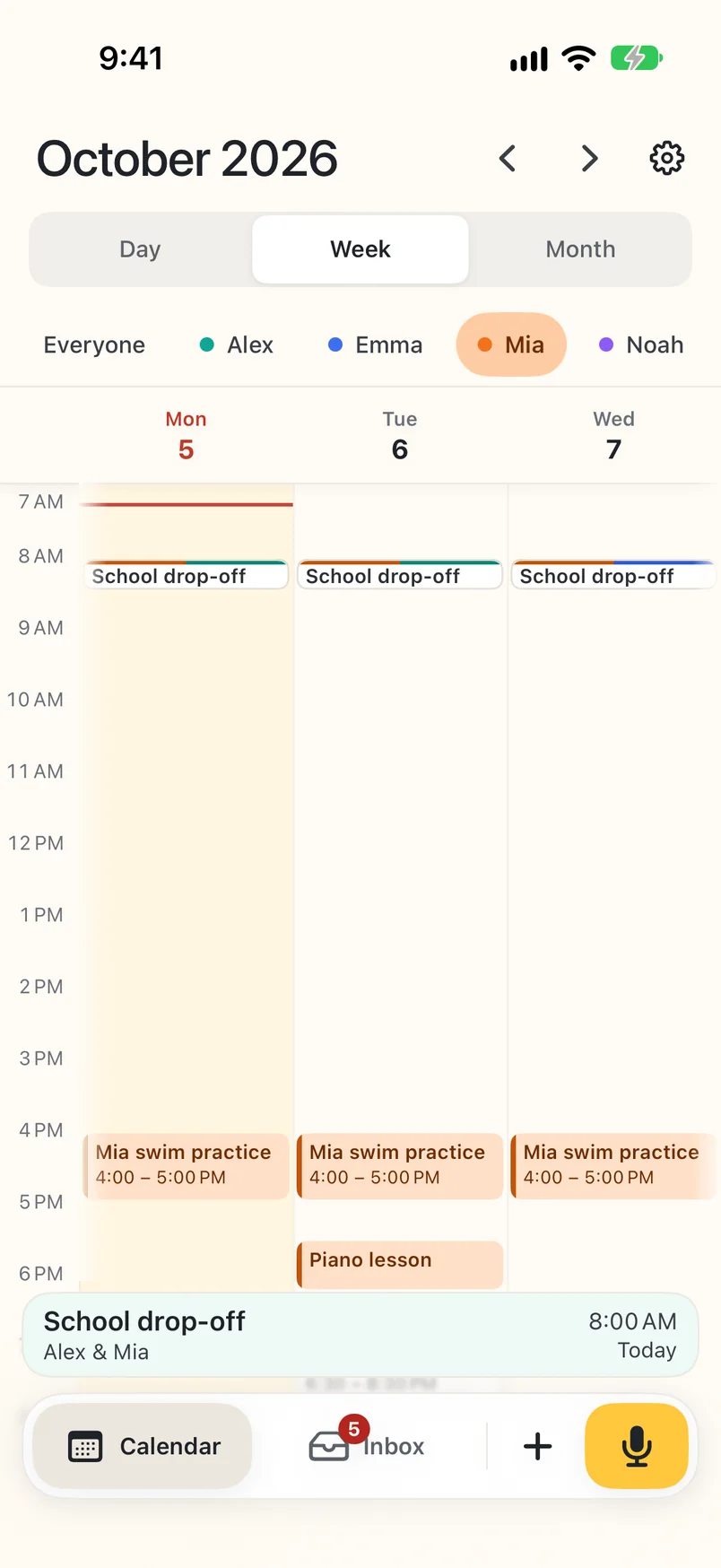
Yes. In Settings, tap Share with your partner and send the invitation. Your partner installs WeePlanner, taps the link and joins your family. You both see and change the same plans, kept up to date through iCloud, and each iPhone can show a quiet notification when the other parent adds, changes or removes a plan. You can stop sharing, or leave the family, at any time in Settings.
Is there an Android app?
Not yet. WeePlanner is made for iPhone and iPad for now. Would you use it on Android? Email [email protected] with “Android” in the subject.
Is WeePlanner available outside the US?
Not yet. At launch, WeePlanner is on the US App Store only.
Where are my plans saved?
Your family profiles, plans and saved originals are stored on this iPhone or iPad. If you share your family with your partner, WeePlanner also keeps it in your iCloud so both iPhones stay up to date. Device backups are managed separately through your Apple settings. See our Privacy Policy.
Can it read flyers and PDFs?
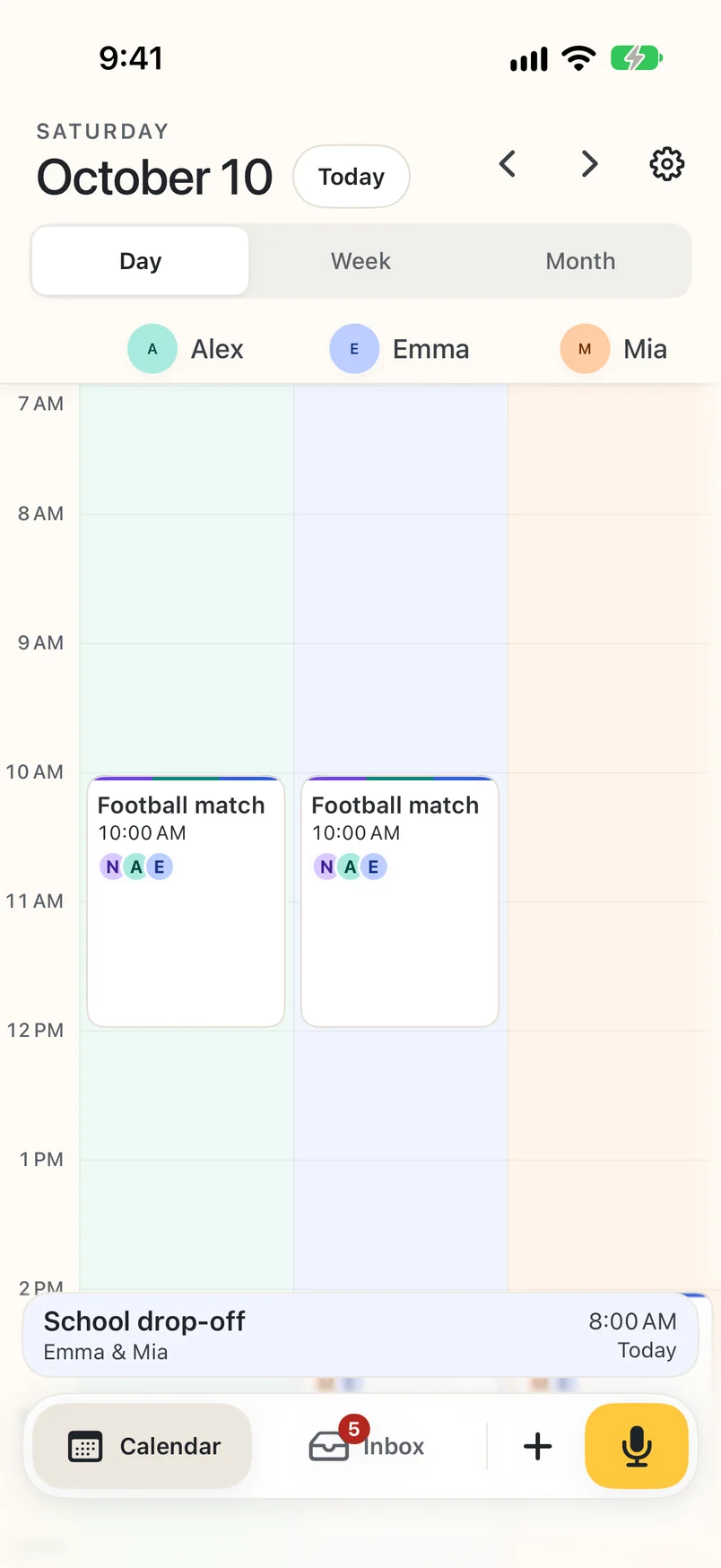
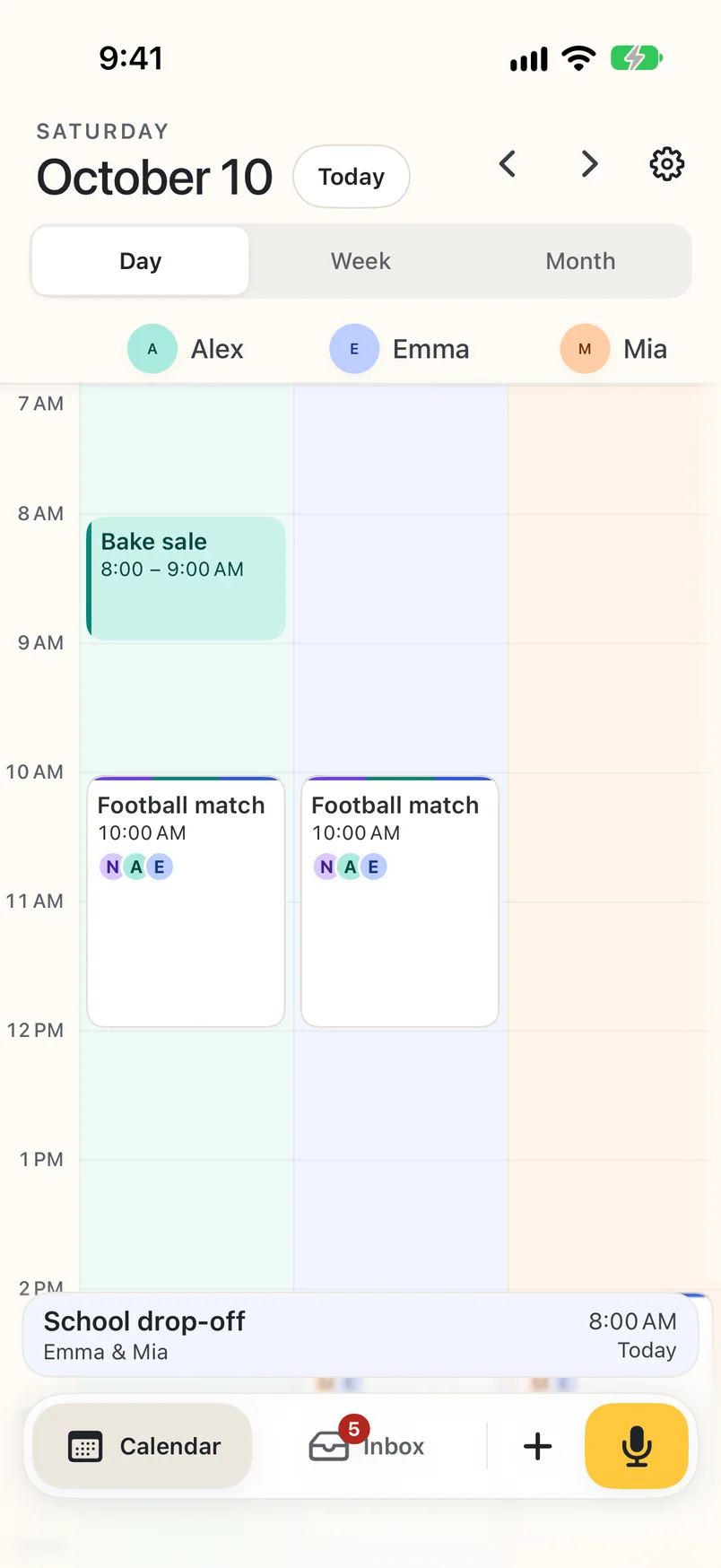
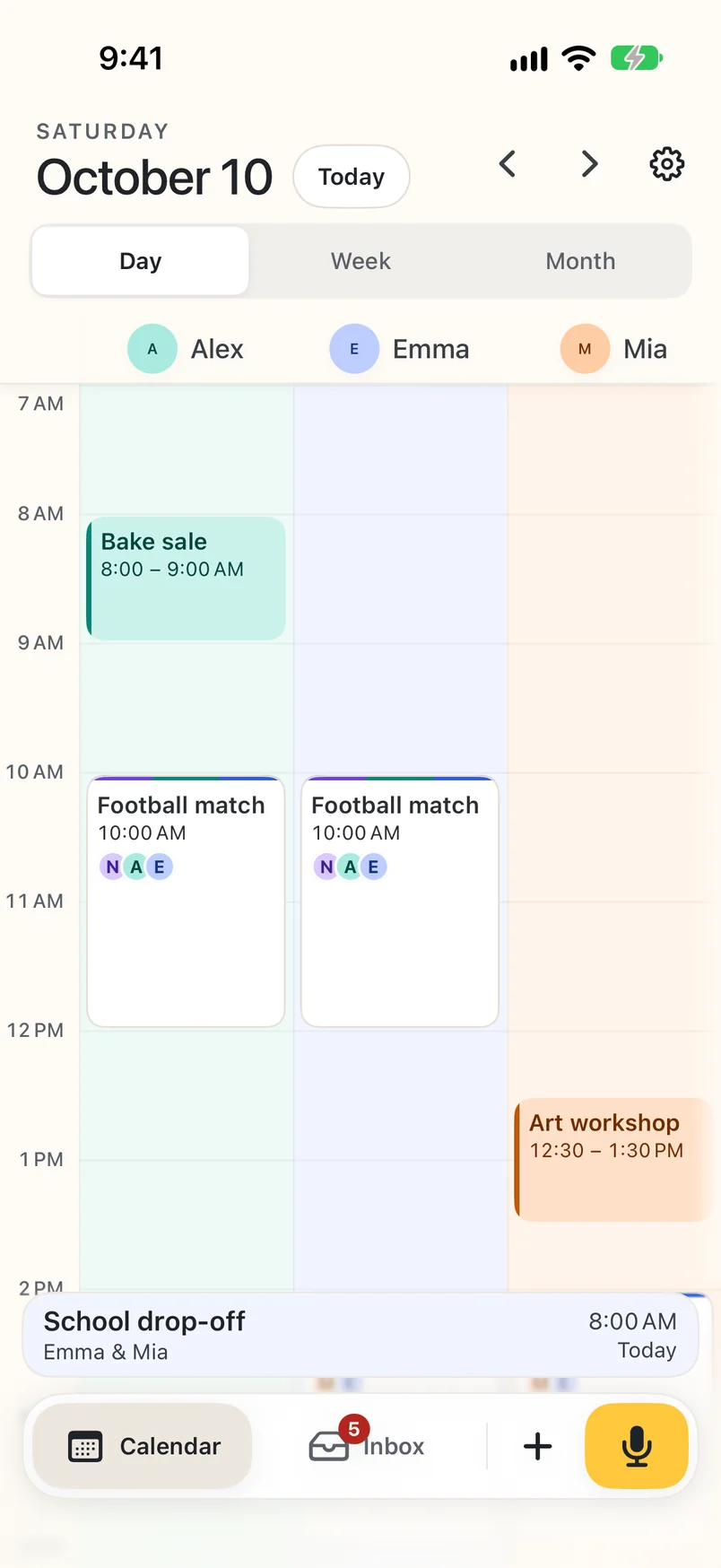
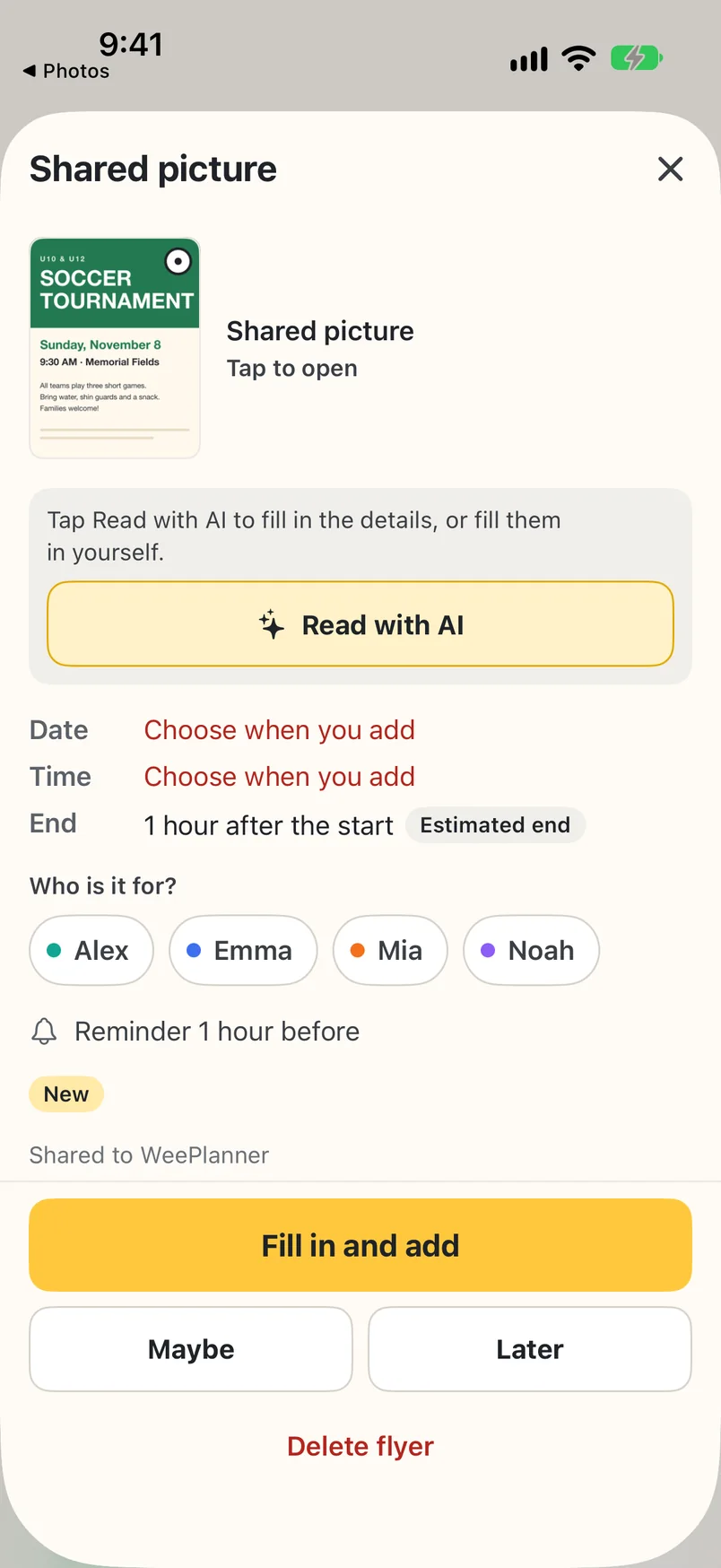
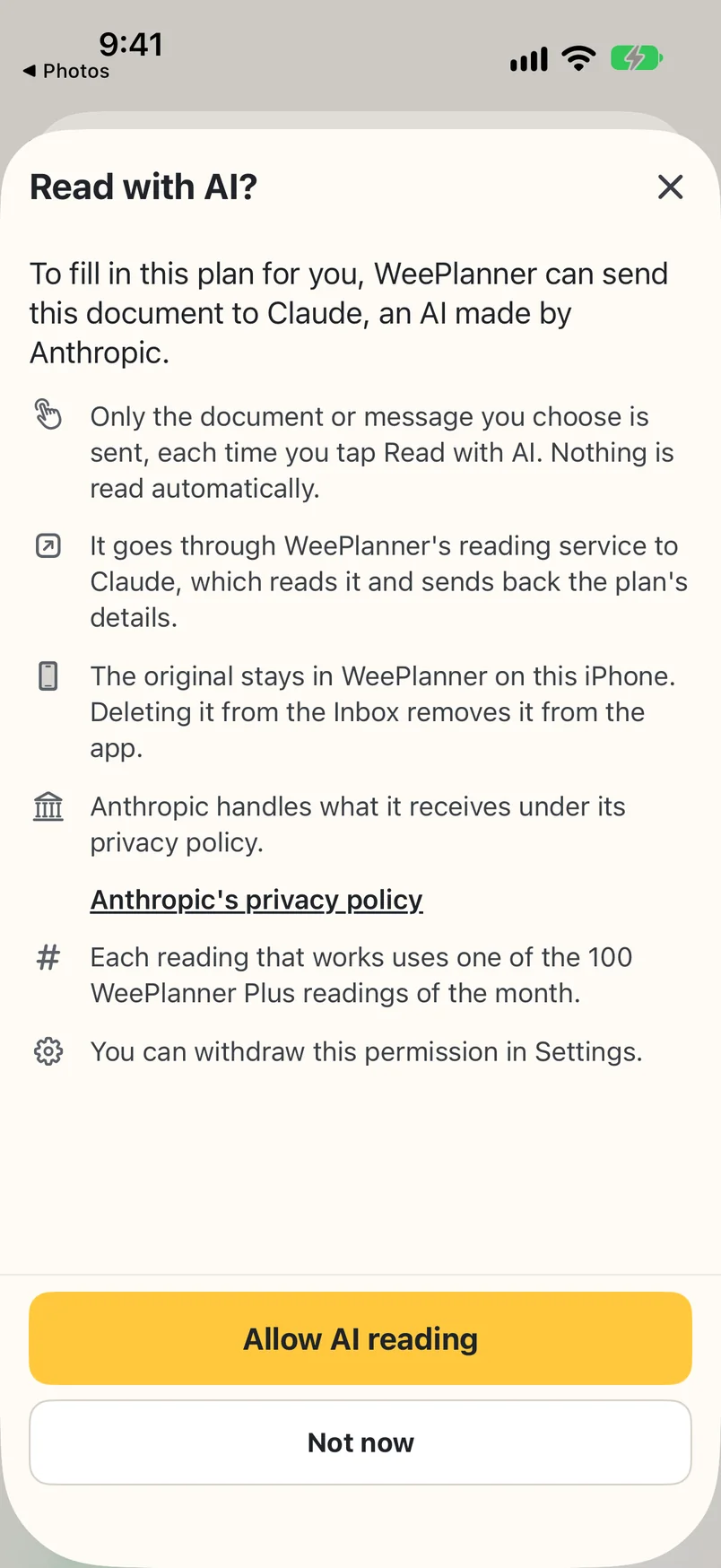
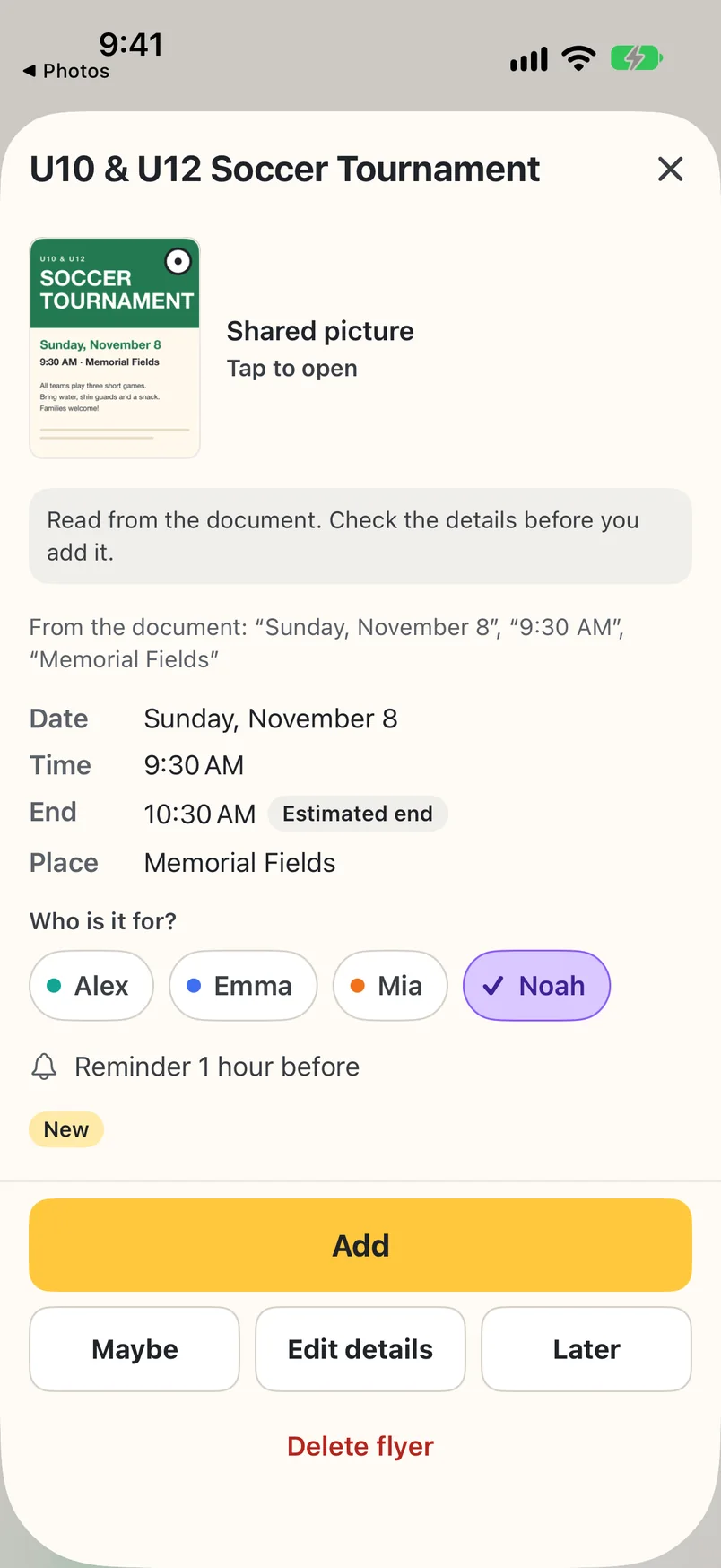
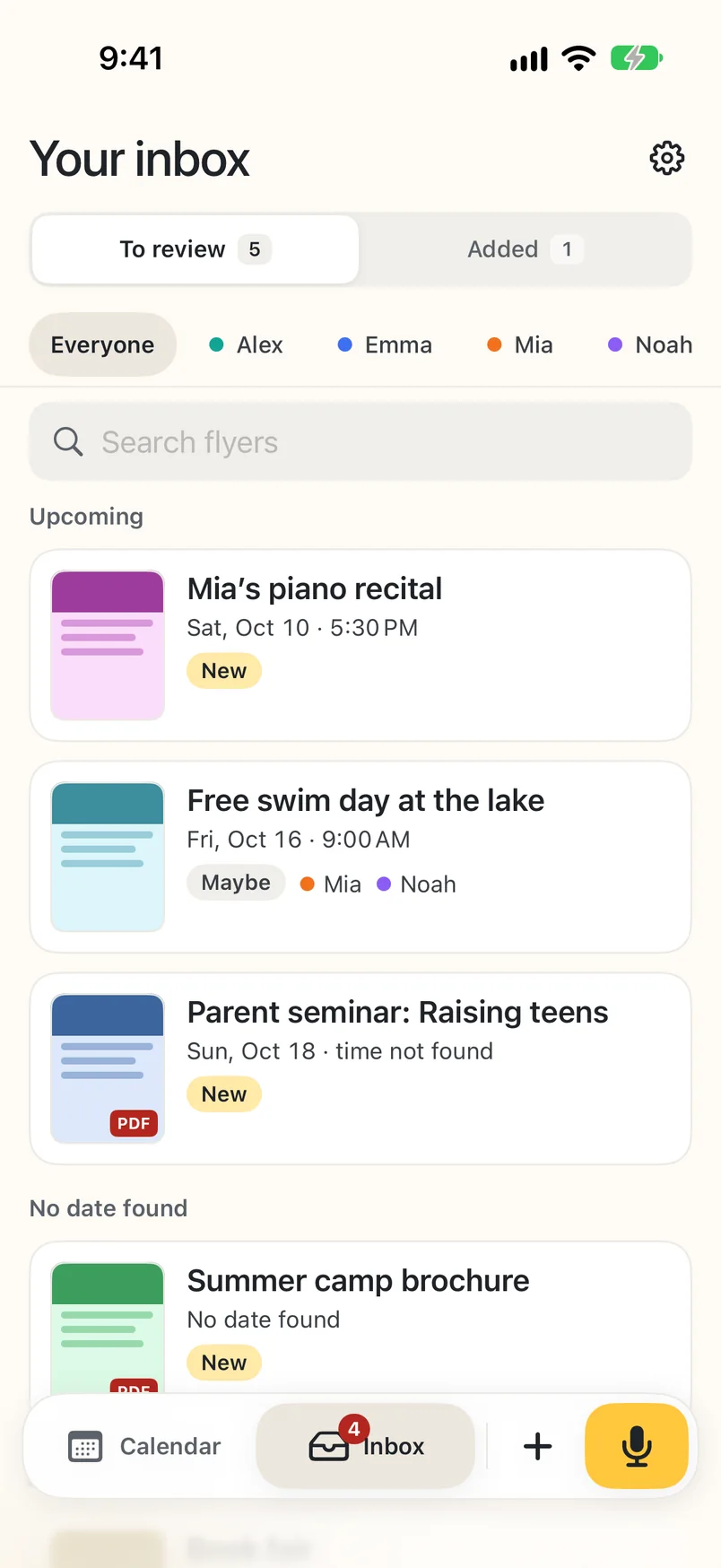
Yes. Share a flyer, photo or PDF to WeePlanner and it waits in the Inbox with the original. Tap Read with AI and WeePlanner fills in the date, time and place from it (the first page of a PDF). The first time, it asks for your permission before anything is sent. Read with AI makes one plan per flyer. A schedule with many dates stays in your Inbox for you to add. You always check the details and choose who the plan is for before adding it. On the free start, Read with AI is fair use (up to 50 readings); WeePlanner Plus includes up to 100 a month. If you prefer not to use AI, fill in the details yourself.
Can I add a plan by voice?
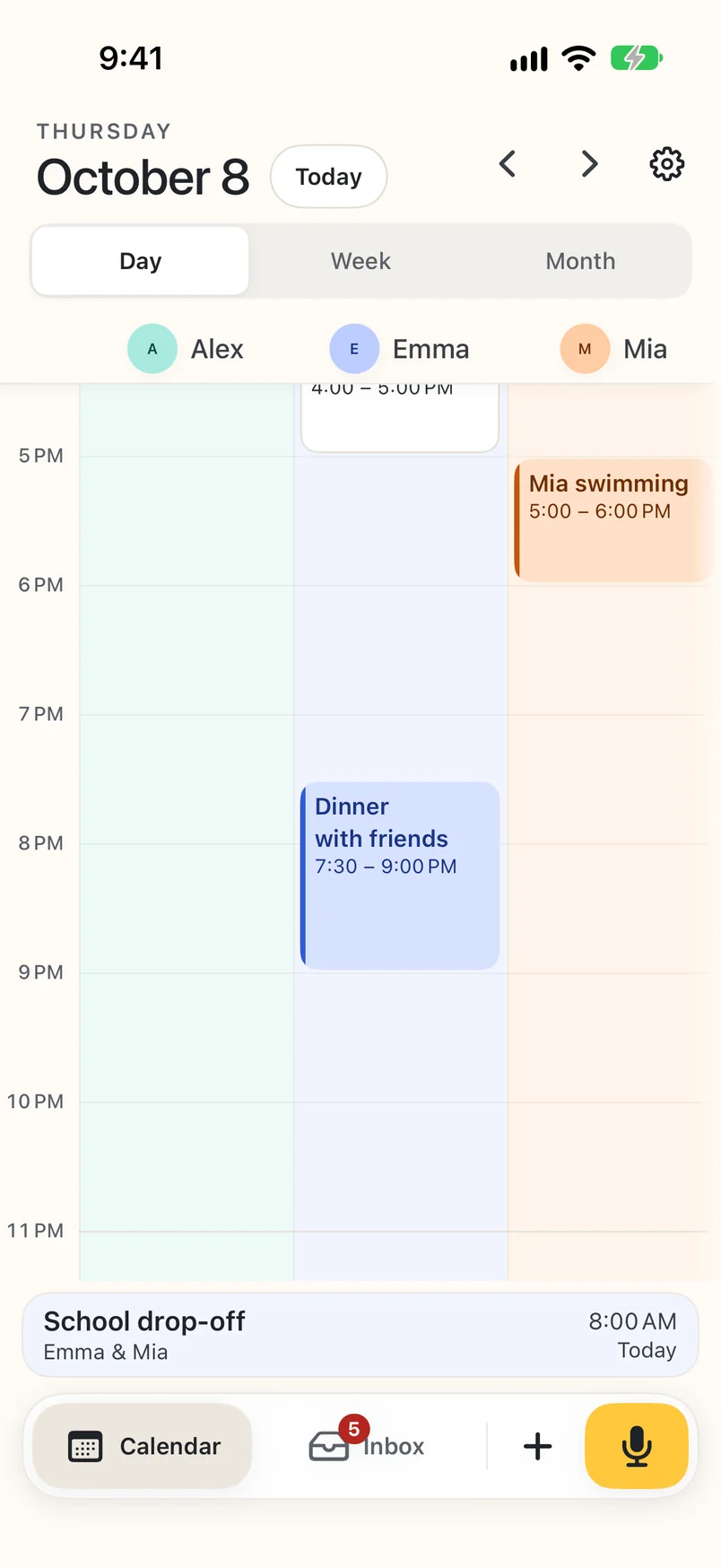
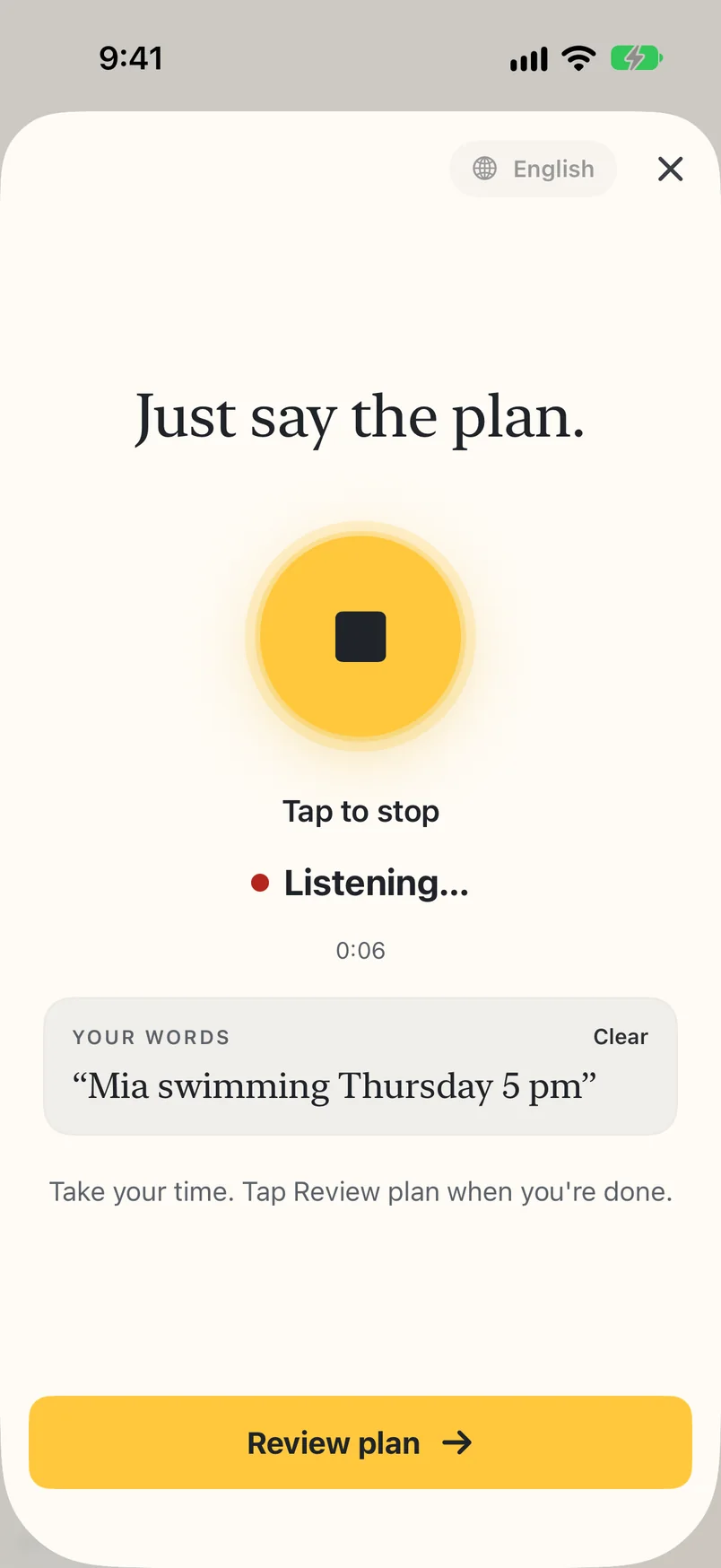
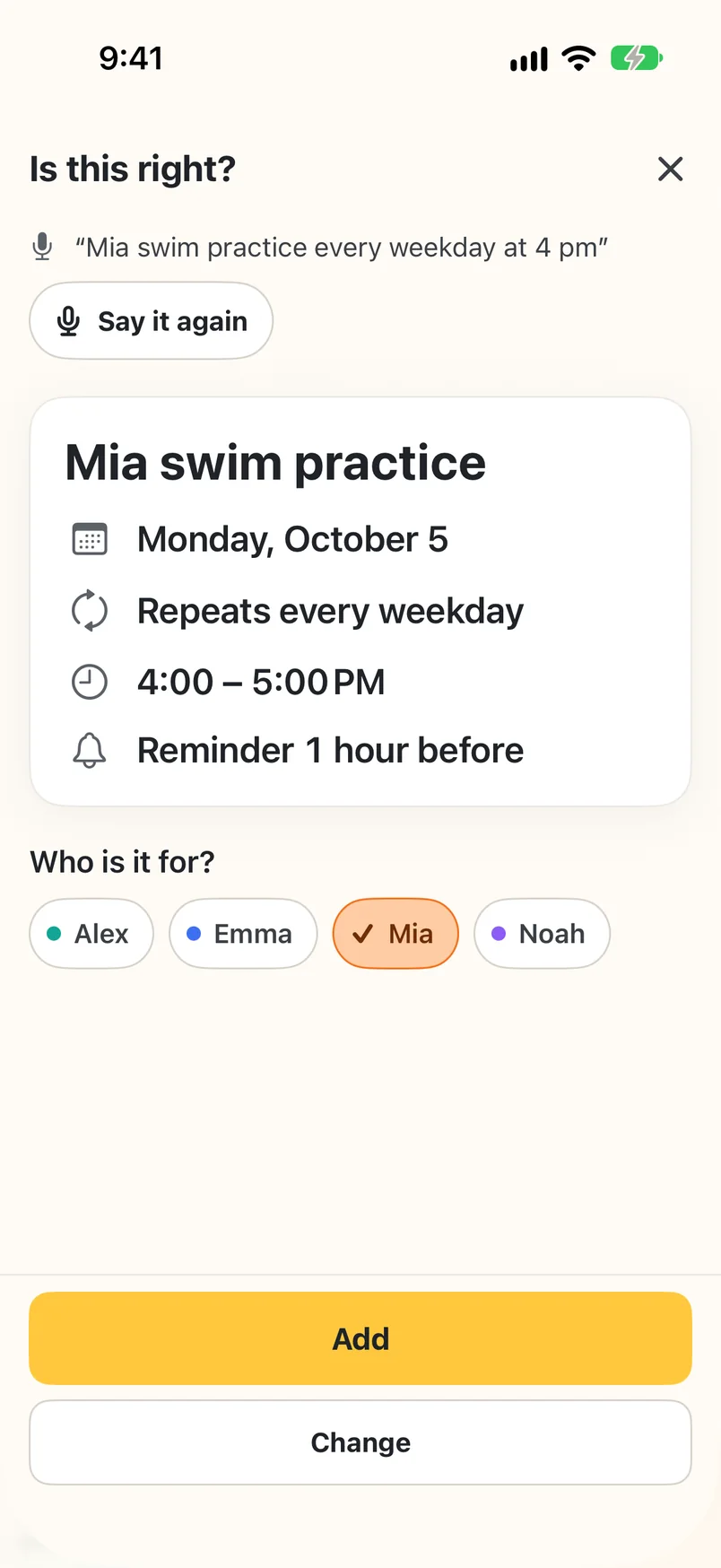
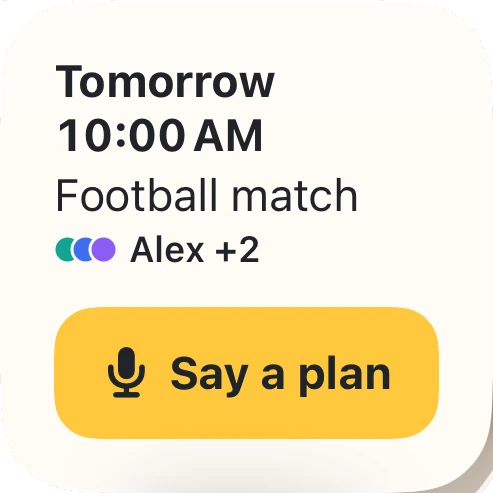
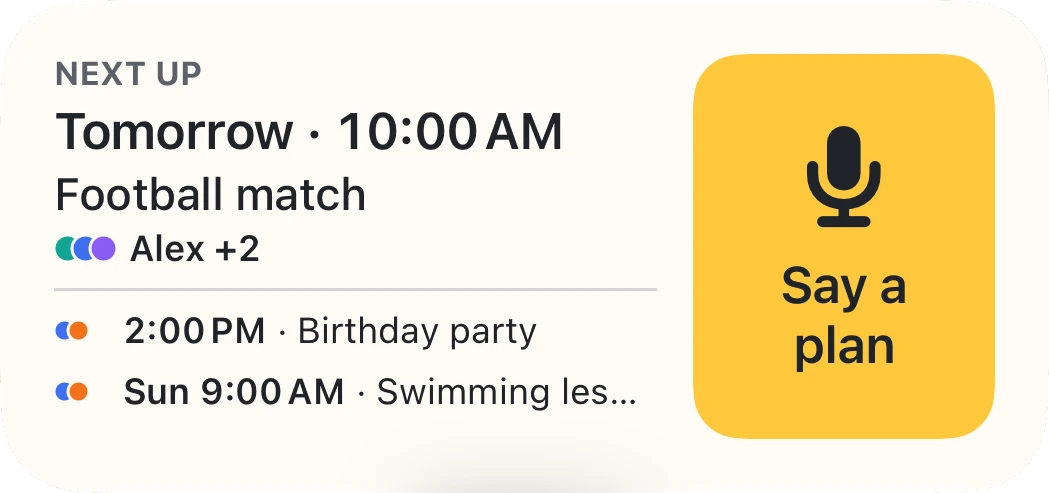
Yes. A plan comes to mind on a walk, or a phone call brings a new plan? Open WeePlanner, tap the microphone and say the plan, like “Mia swimming Thursday 5 pm”. Tap Review plan, then check the date, time and person before adding it to your calendar. You can speak English, Spanish or Turkish. Your words are turned into text on your iPhone or iPad, and the audio stays on your device. If you tap Read with AI on a plan, only its text is sent, never the audio.
Can I change an existing plan by voice?
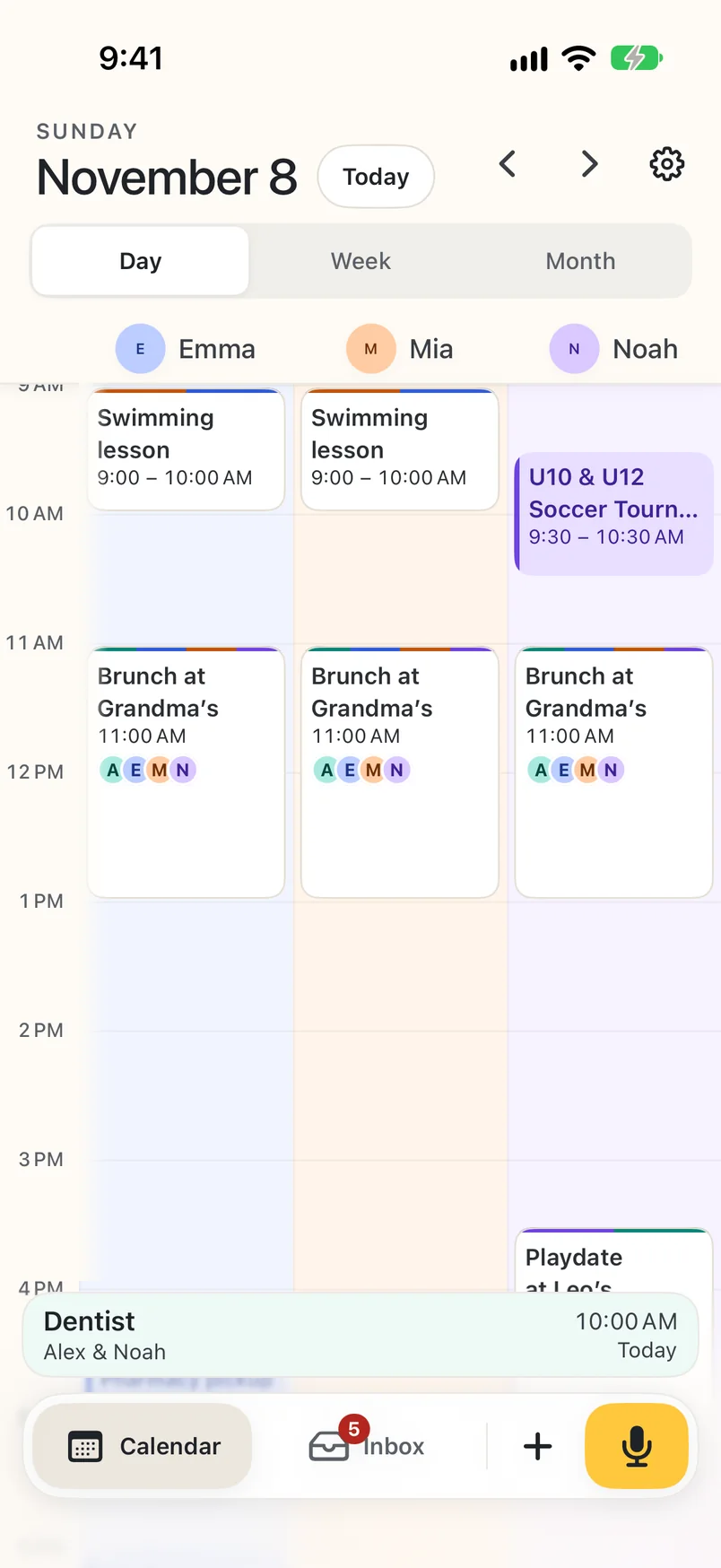
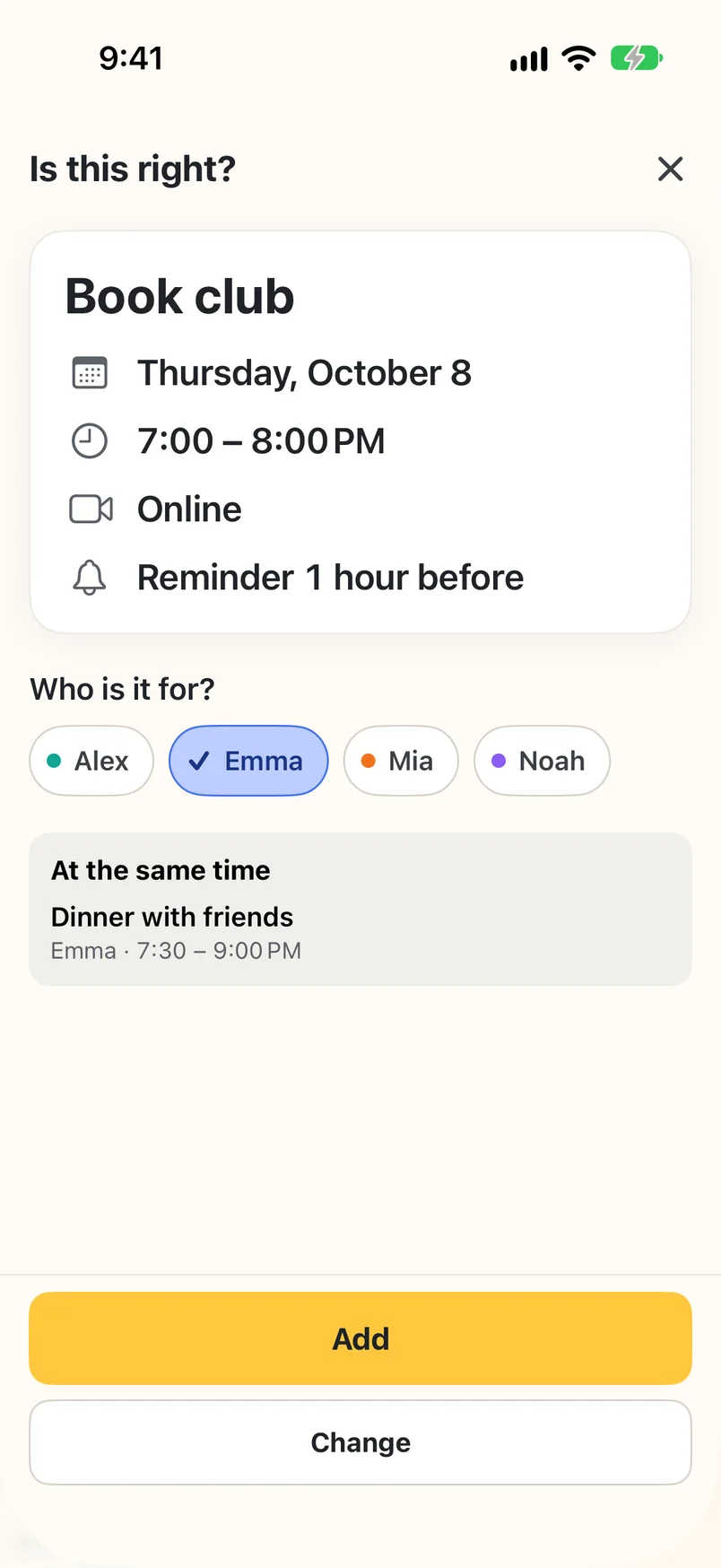
Voice entry creates a new plan. To change an existing plan, open it and tap Edit. If the “Is this right?” card finds similar plans, “Open it” takes you to an existing plan without saving the new one; “Add anyway” saves a separate plan. When someone you chose already has a plan at that time, the card lists it under “At the same time”; it’s a note, not a block.
Do my kids need a phone?
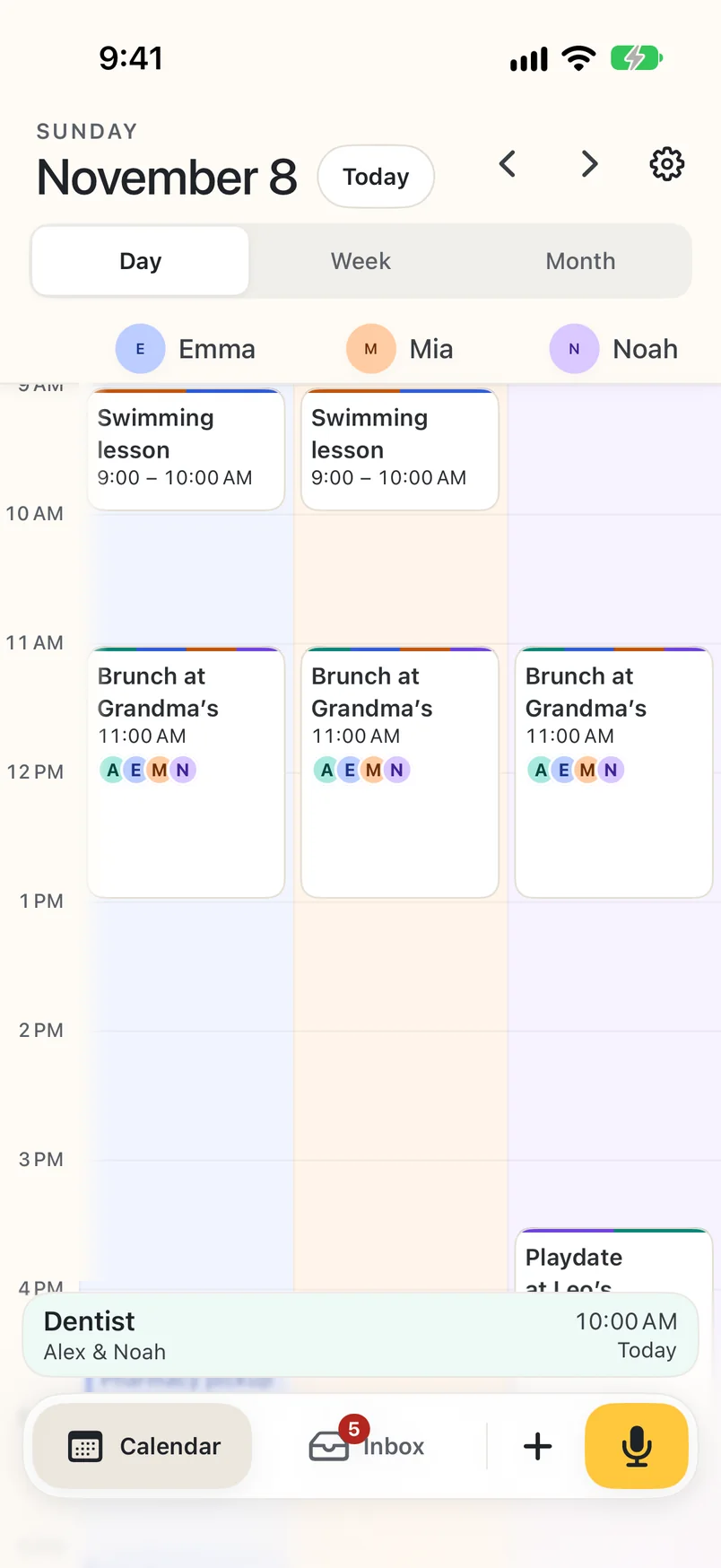
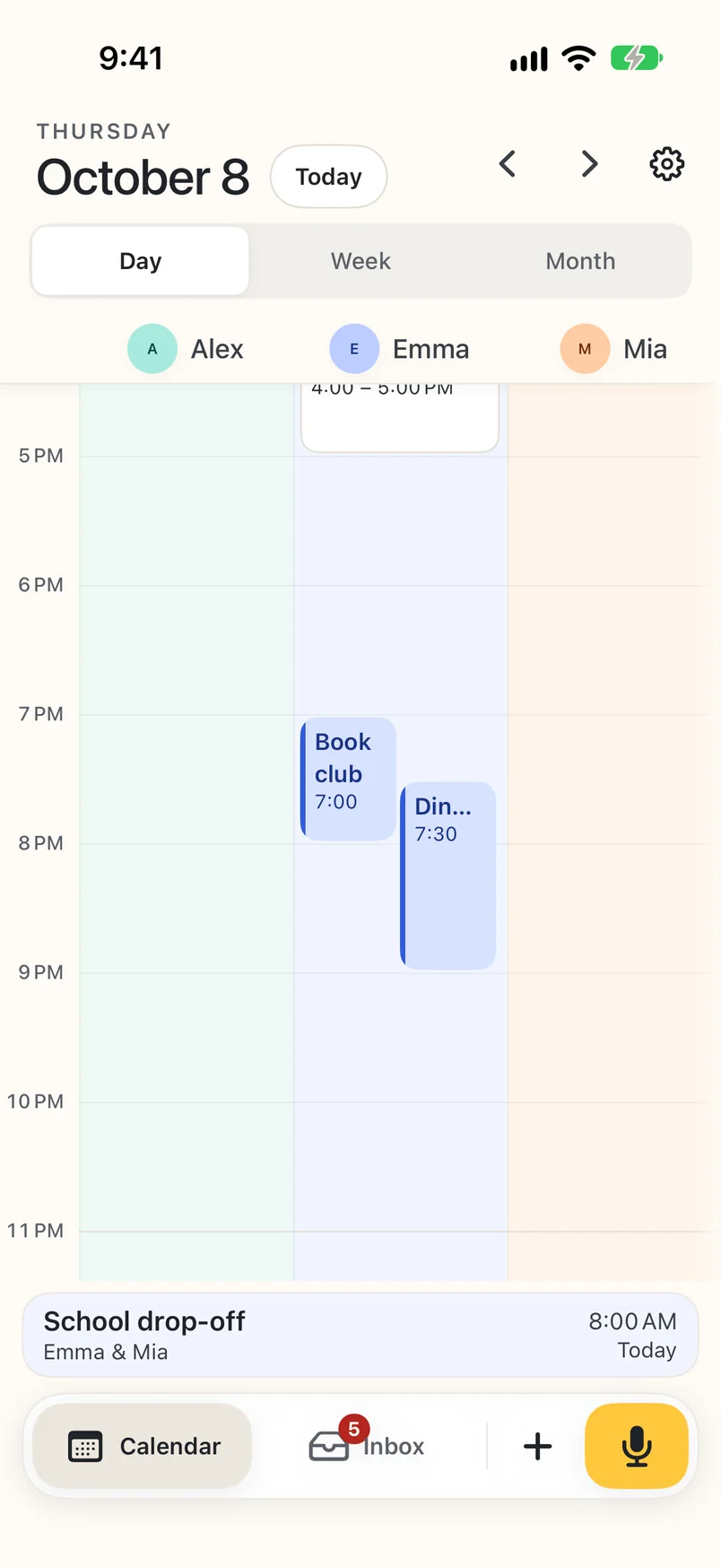
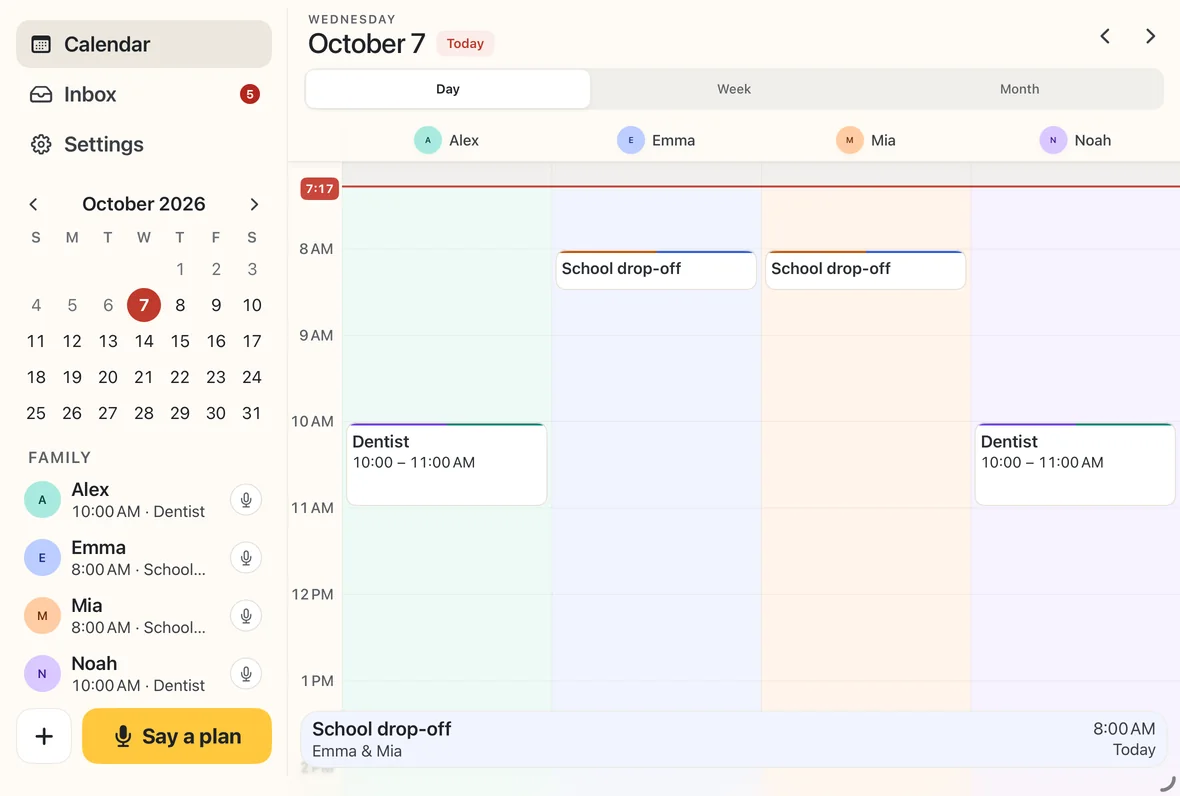
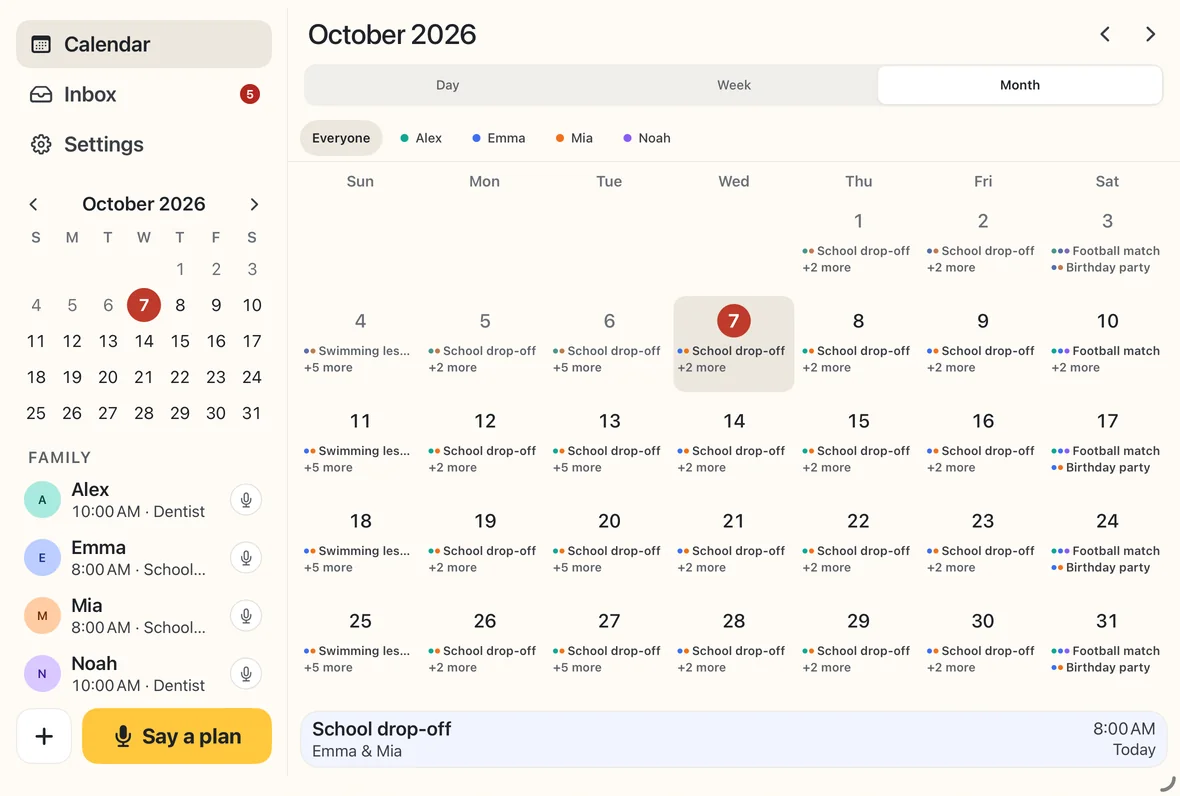
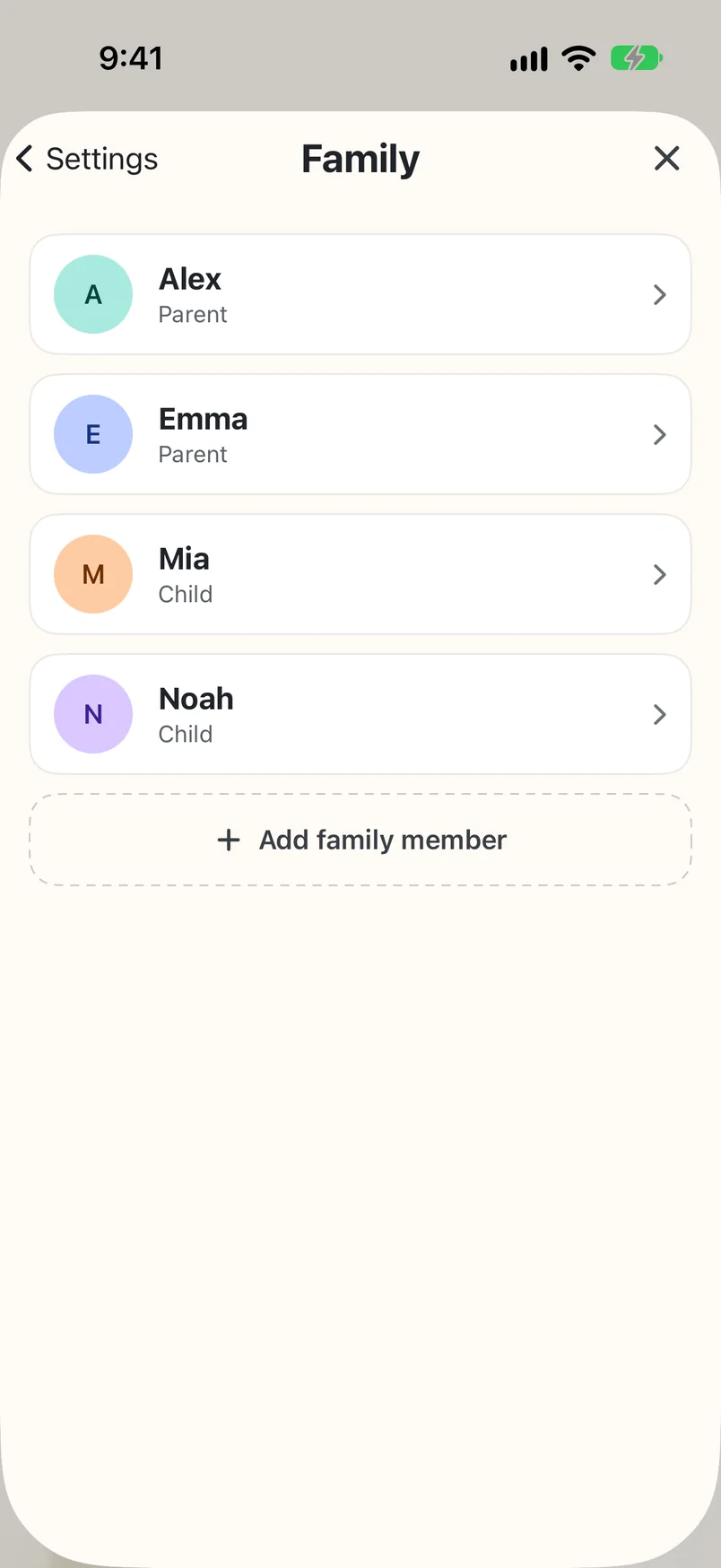
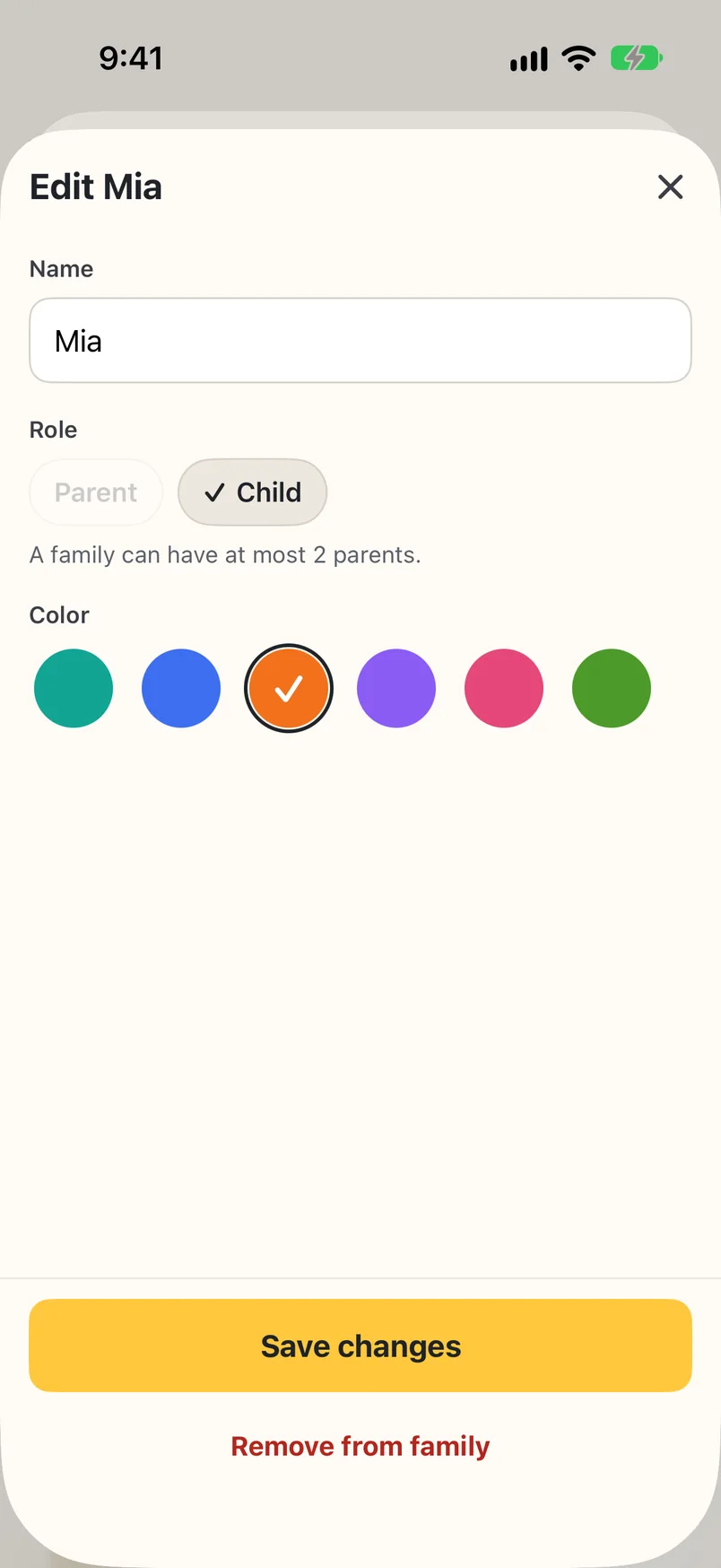
No. Add children as profiles with their own name, color and calendar column. You manage their plans on your device; children do not have separate accounts or editing permissions in the current version.
Can I join online meetings from a plan?
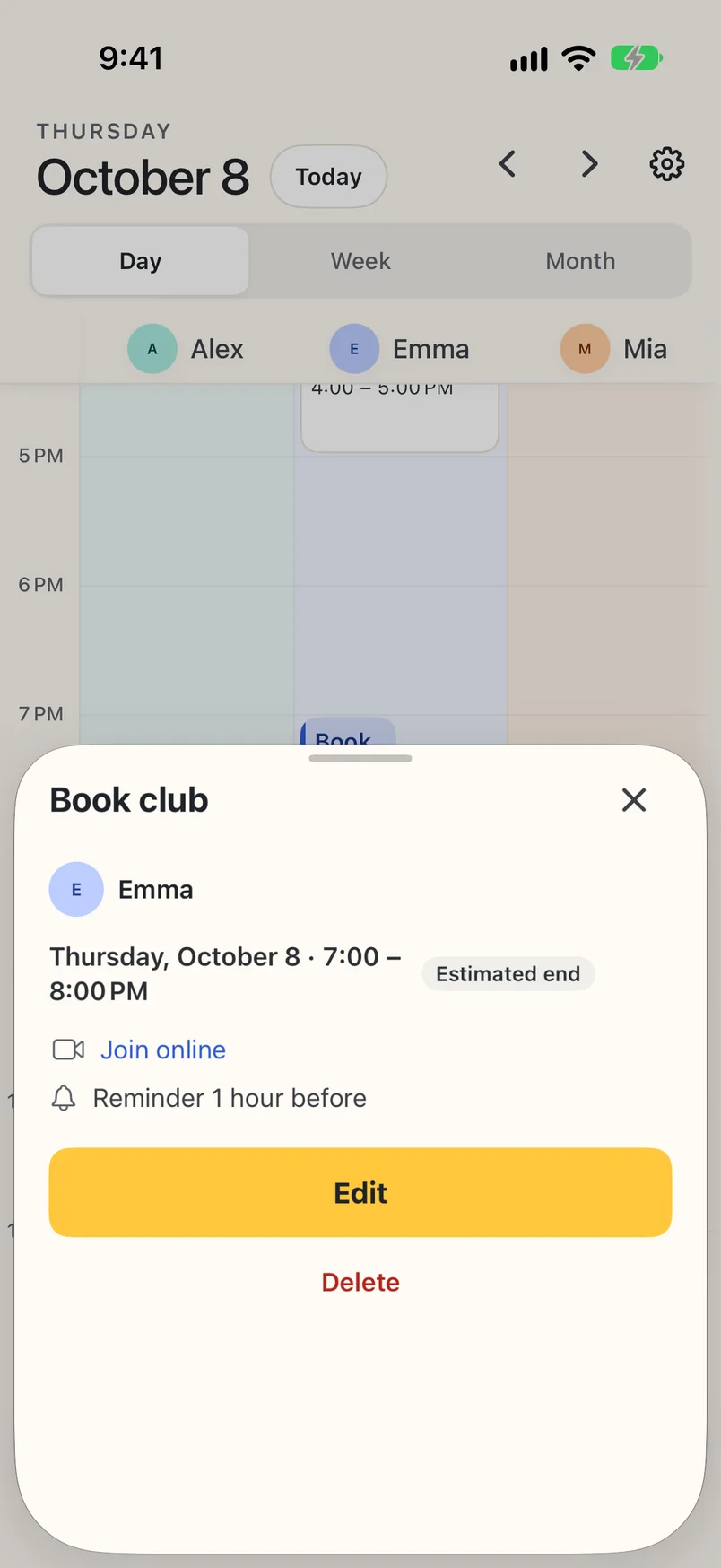
Yes. Paste or share an invite with a Zoom or Google Meet link, and WeePlanner keeps the link with the plan. When it’s time, open the plan and tap Join online. Adding a plan yourself? Switch on Online and paste the link.